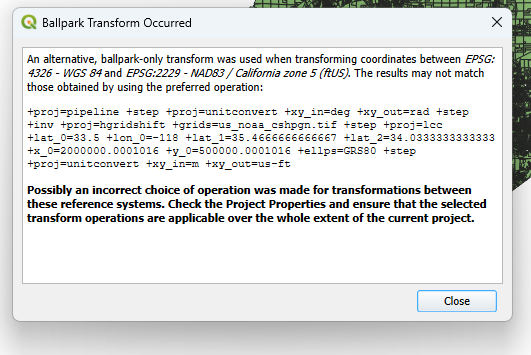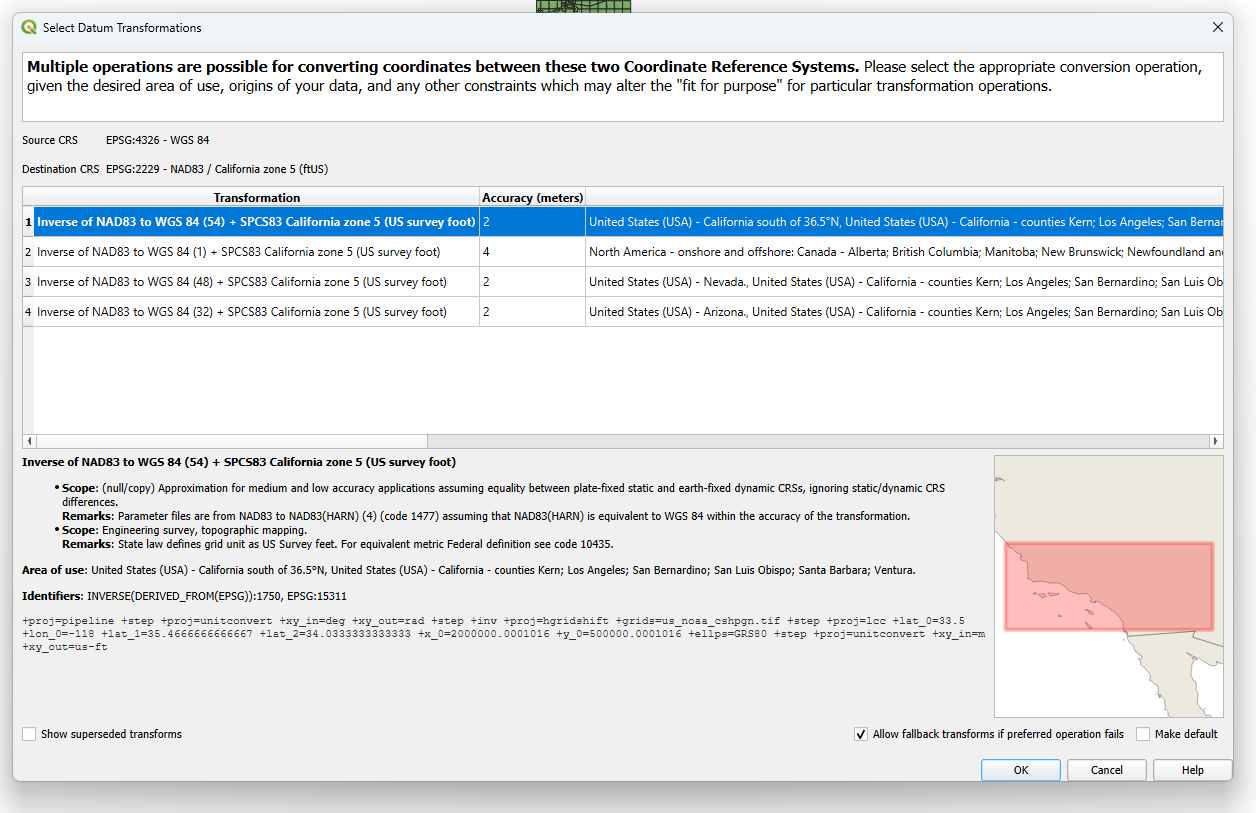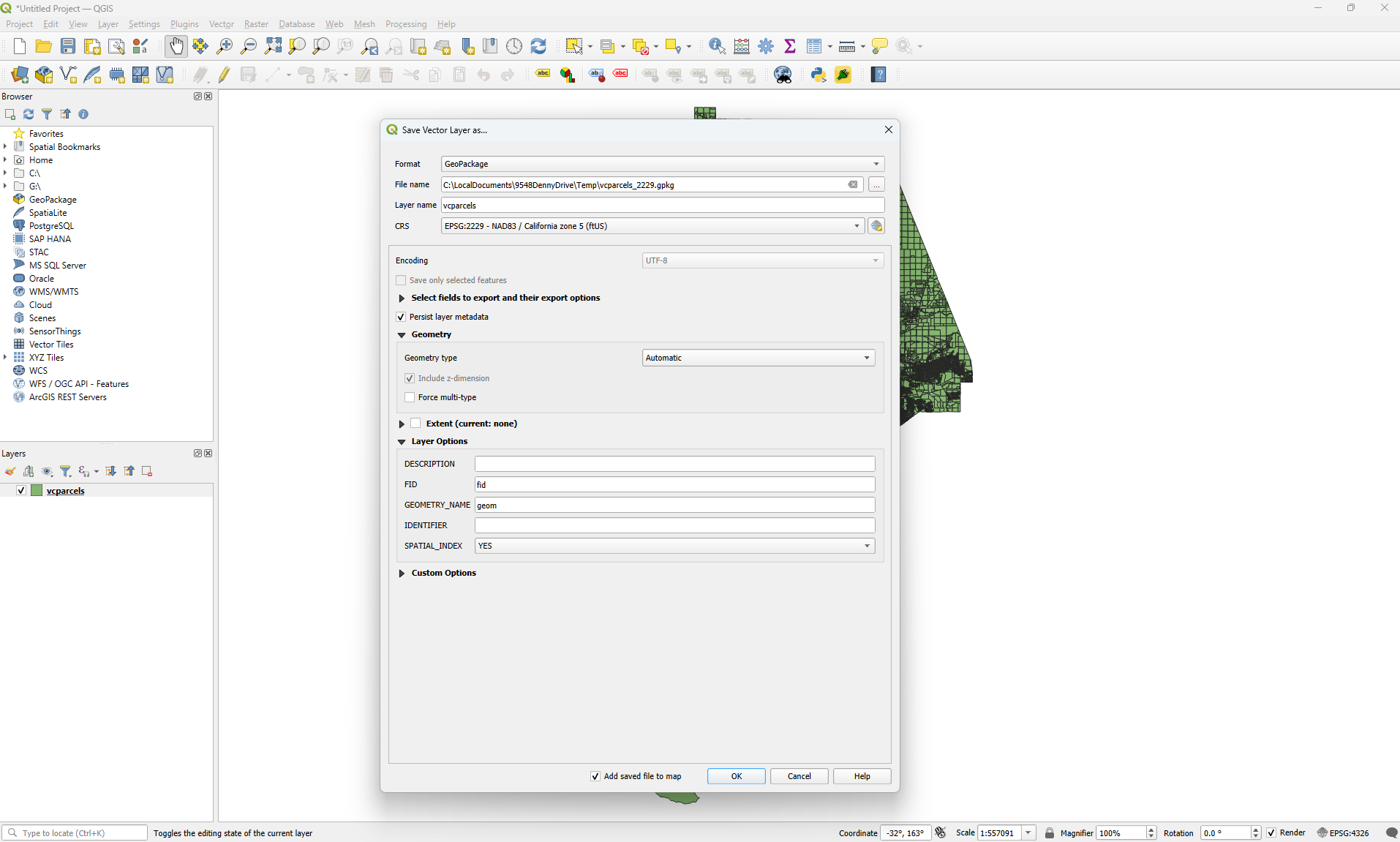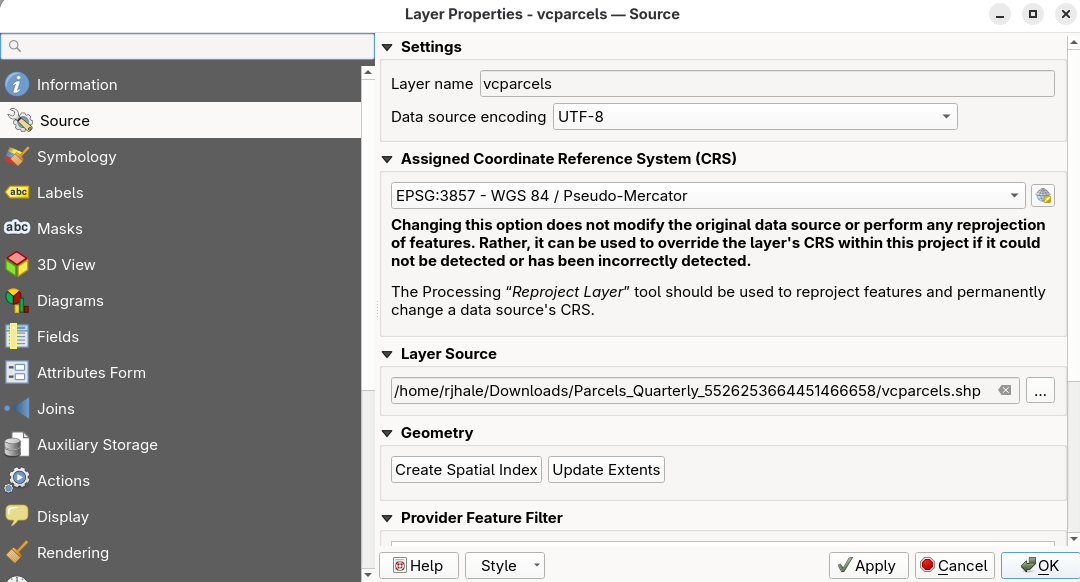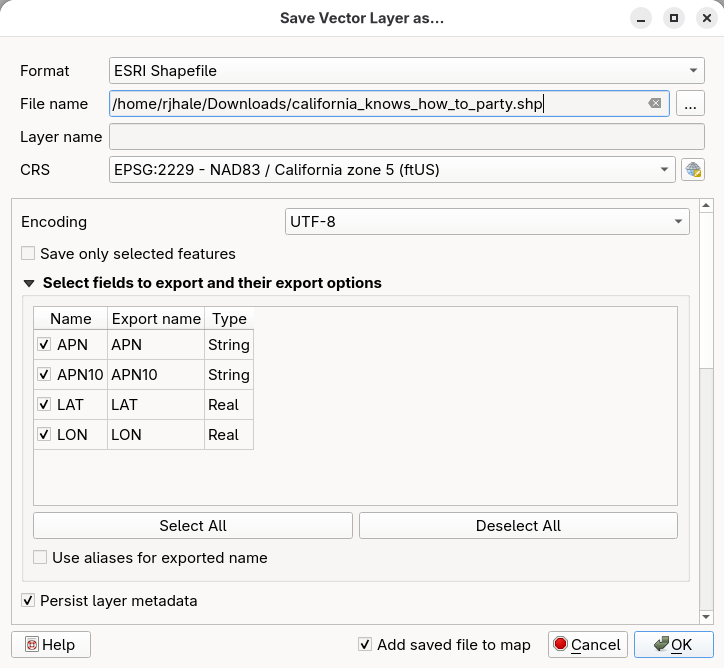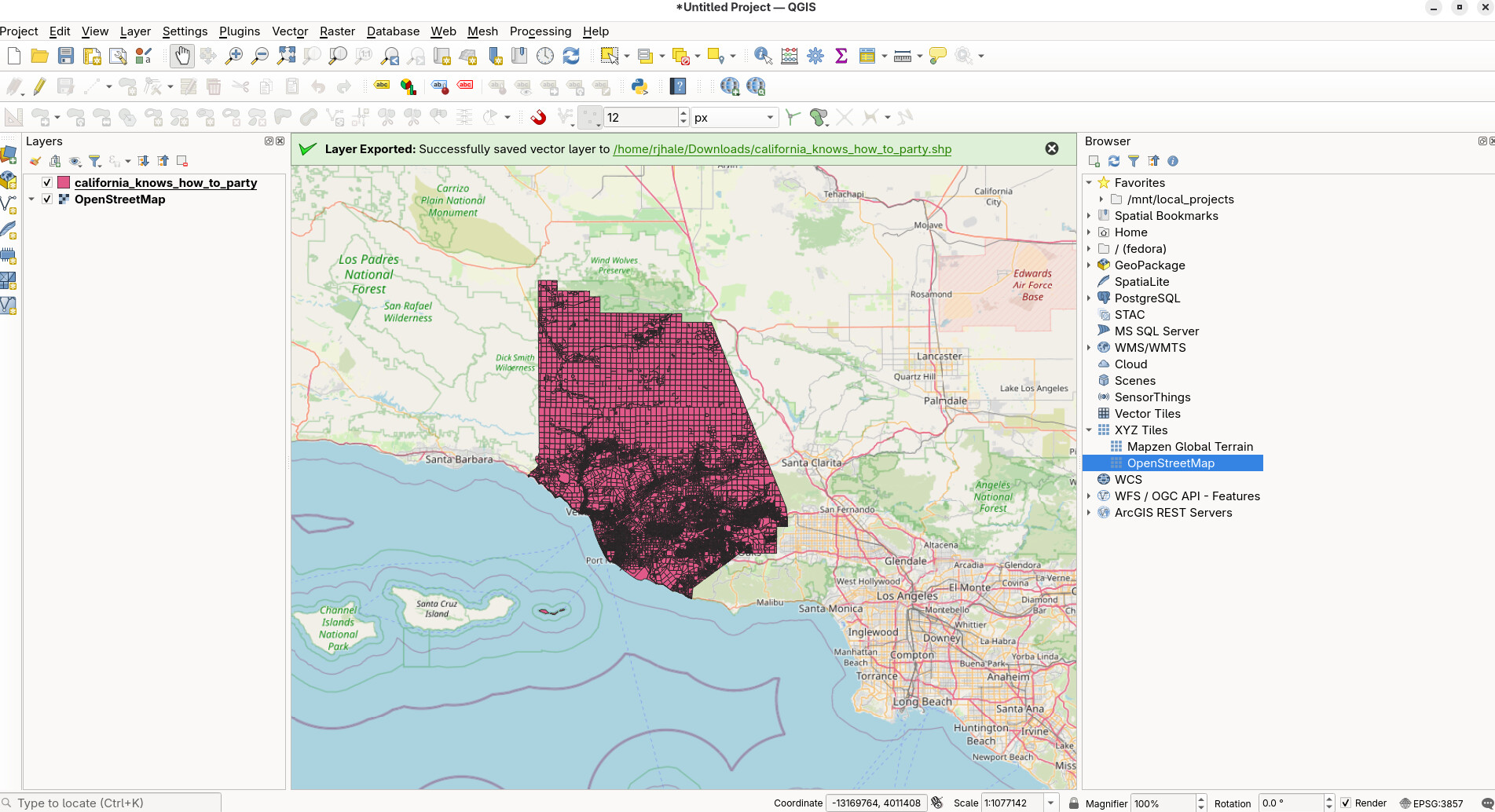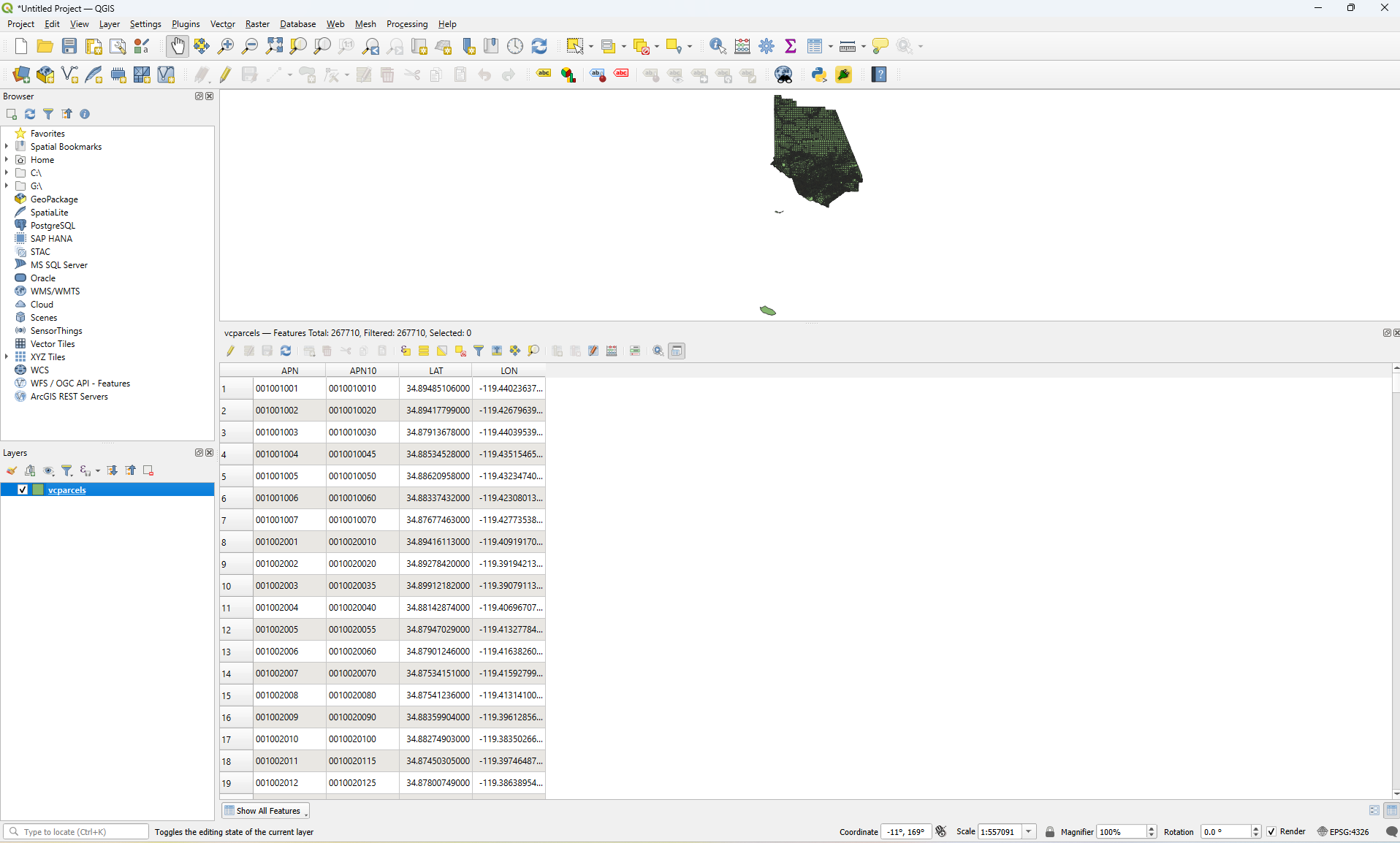
I have a Shapefile downloaded from Ventura County’s website of parcel polygons and APN data…. the Attributes Table of the Shapefile is shown in the screenshots….. I set the layers CRS to 4326, WGS84 and the project co-ordinates system to 4326 WGS84 and I can see the map. Then I try to use the right click context menu for the layer Export → Save Features As → and I get a series of warning dialog boxes to come up. After those are gone through, I try to View → Zoom Full, however the newly created layer where the new 2229:NAD83 co-ordinate system of the same map now converted is supposed to be and there seems to be nothing there at all to view after changing the project co-ordinate system to 2229:NAD83 and removing all the old layers and using View → Zoom Full only a blank client area of the window is there to look at.
Why is this? How can I get the Shapefile converted over to NAD83 in US Survey Feet?