Hello everyone,
I am using GeoServer WMS layers in Cesium (Cesium for Unreal Engine style globe rendering) to display political boundaries on a 3D globe.
Currently I have two boundary datasets:
-
Country boundaries
-
State boundaries
Both are served from GeoServer as WMS and consumed in Cesium using a single WebMapServiceRasterOverlay.
Goal
I want:
-
Country borders visible at large zoom level
-
State borders visible at low zoom level
So I attempted to use SLD scale rules with MaxScaleDenominator.
Example idea:
-
Countries: visible at larger scales (zoomed out)
-
States: visible only at smaller scales (zoomed in)
Problem
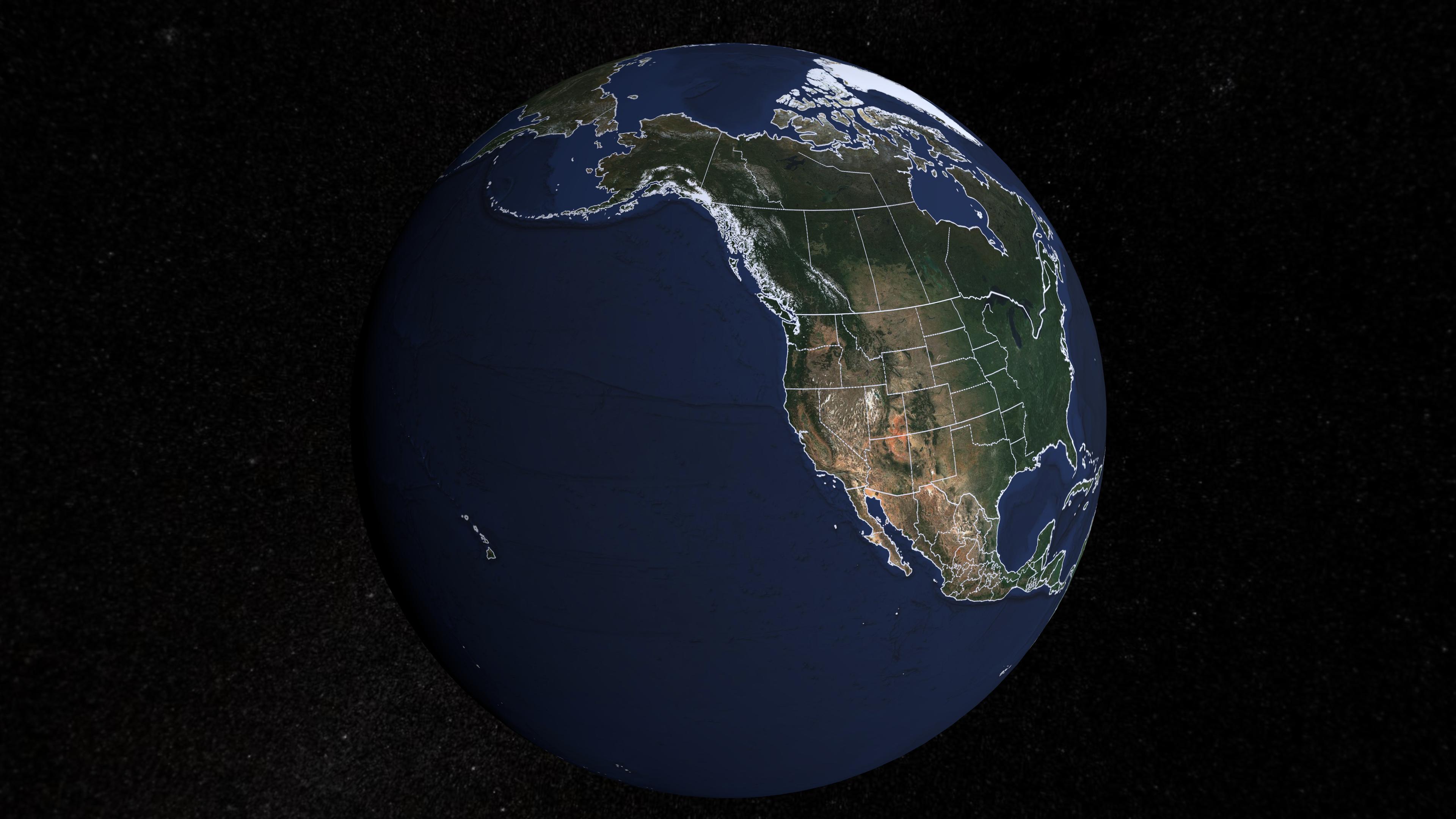
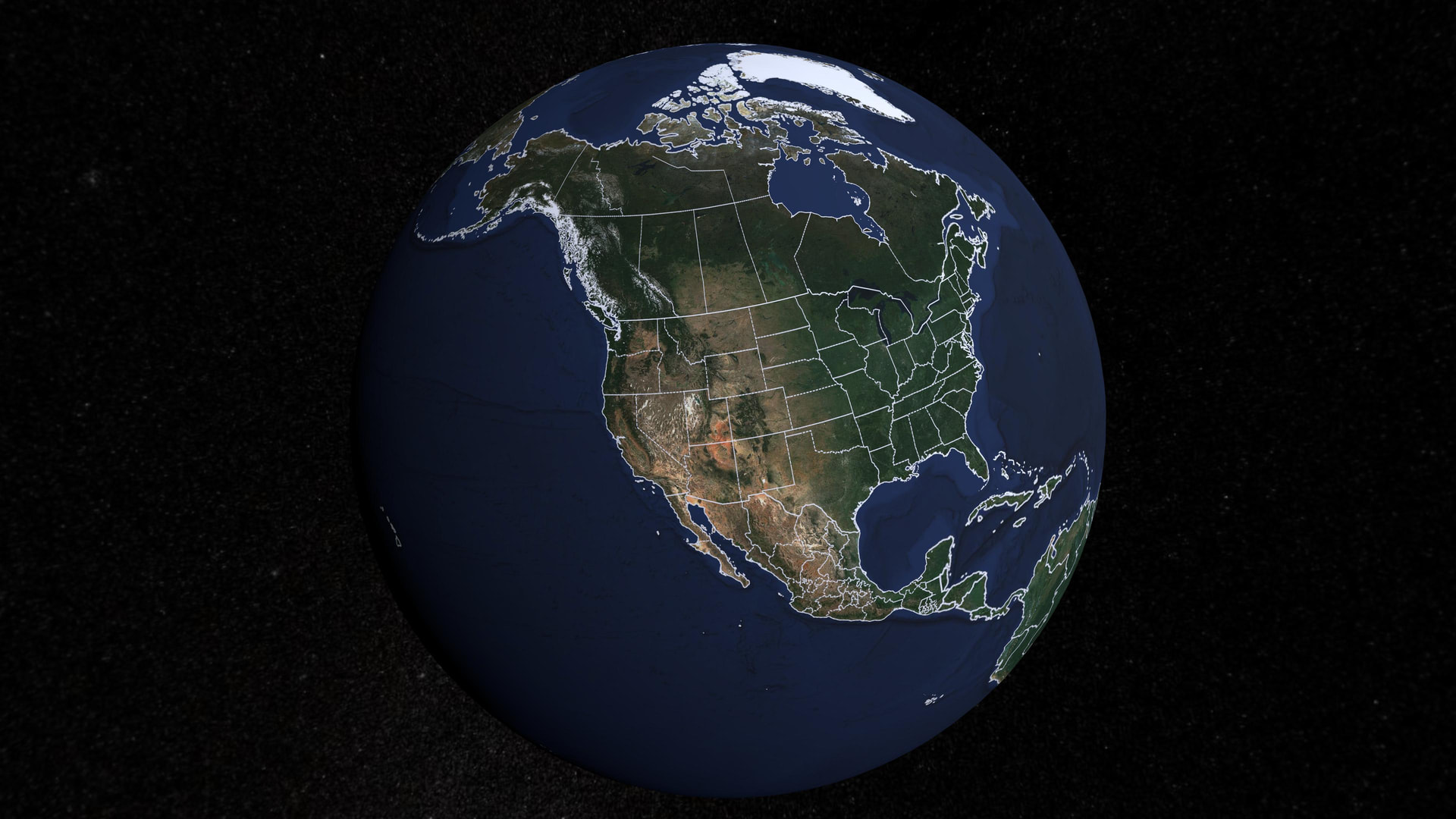
When using MaxScaleDenominator in the SLD for the state layer, I observe that borders disappear around the horizon of the globe.
Near the center of the screen, borders appear correctly, but near the edges / horizon of the globe the borders are missing.
This seems to happen because GeoServer calculates scale based on the tile BBOX, while Cesium renders a 3D globe where the same tile can represent vastly different scales depending on distance from the camera.
As a result, the scale used for rule evaluation sometimes exceeds the MaxScaleDenominator, and GeoServer stops rendering the borders for that tile entirely.
Constraints
There are a few constraints I cannot change:
-
I must use only a single Cesium WMS raster overlay (cannot create multiple overlays).
-
I want countries and states to appear at different zoom levels.
-
I cannot refresh or recreate the WMS overlay dynamically because it causes visible flickering and looks bad.
-
Stroke width cannot be less than 1 (so hiding with extremely thin strokes is not reliable).
-
Borders should remain visible across the entire globe including near the horizon.
Current Approach
Using SLD rules like:
<?xml version="1.0" encoding="UTF-8"?>

<sld:StyledLayerDescriptor xmlns:sld="http://www.opengis.net/sld" xmlns:ogc="http://www.opengis.net/ogc" xmlns:gml="http://www.opengis.net/gml" version="1.0.0">
  <sld:NamedLayer>
    <sld:Name>StateBoundary</sld:Name>
    <sld:UserStyle>
      <sld:FeatureTypeStyle>
        <sld:Rule>
          <sld:MaxScaleDenominator>3.0E7</sld:MaxScaleDenominator>

          <sld:LineSymbolizer>
            <sld:Stroke>
              <sld:CssParameter name="stroke">#FFFFFF</sld:CssParameter>

              <sld:CssParameter name="stroke-opacity">1.0</sld:CssParameter>

              <sld:CssParameter name="stroke-width">1.0</sld:CssParameter>

              <sld:CssParameter name="stroke-dasharray">6.0 3.0</sld:CssParameter>

        </sld:Stroke>
      </sld:LineSymbolizer>

    </sld:Rule>
  </sld:FeatureTypeStyle>
</sld:UserStyle>
  </sld:NamedLayer>
</sld:StyledLayerDescriptor>
This works near the camera but fails near the horizon.
Any suggestions or examples from similar setups would be greatly appreciated.
Thank you!